
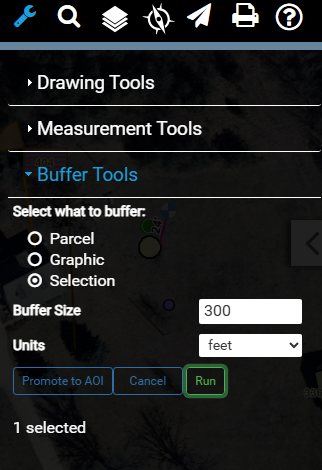
After creating a buffer using the Buffer Tools under Map Tools, there is a new button to turn that buffer into the active Area of Interest (AOI).
With the currently promoted buffer active, clicking Insights then the Area button, the promoted area can be saved for further use.
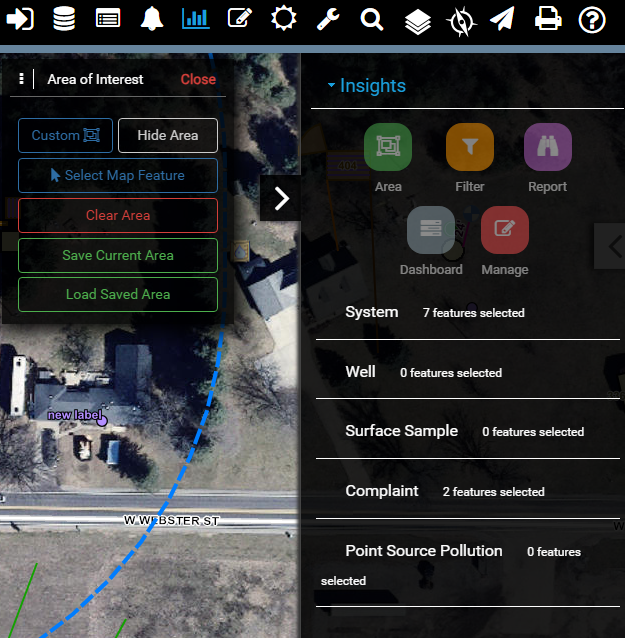
This new functionality makes it possible to create buffers that are saved as and AOI, where they can also be applied to Reports